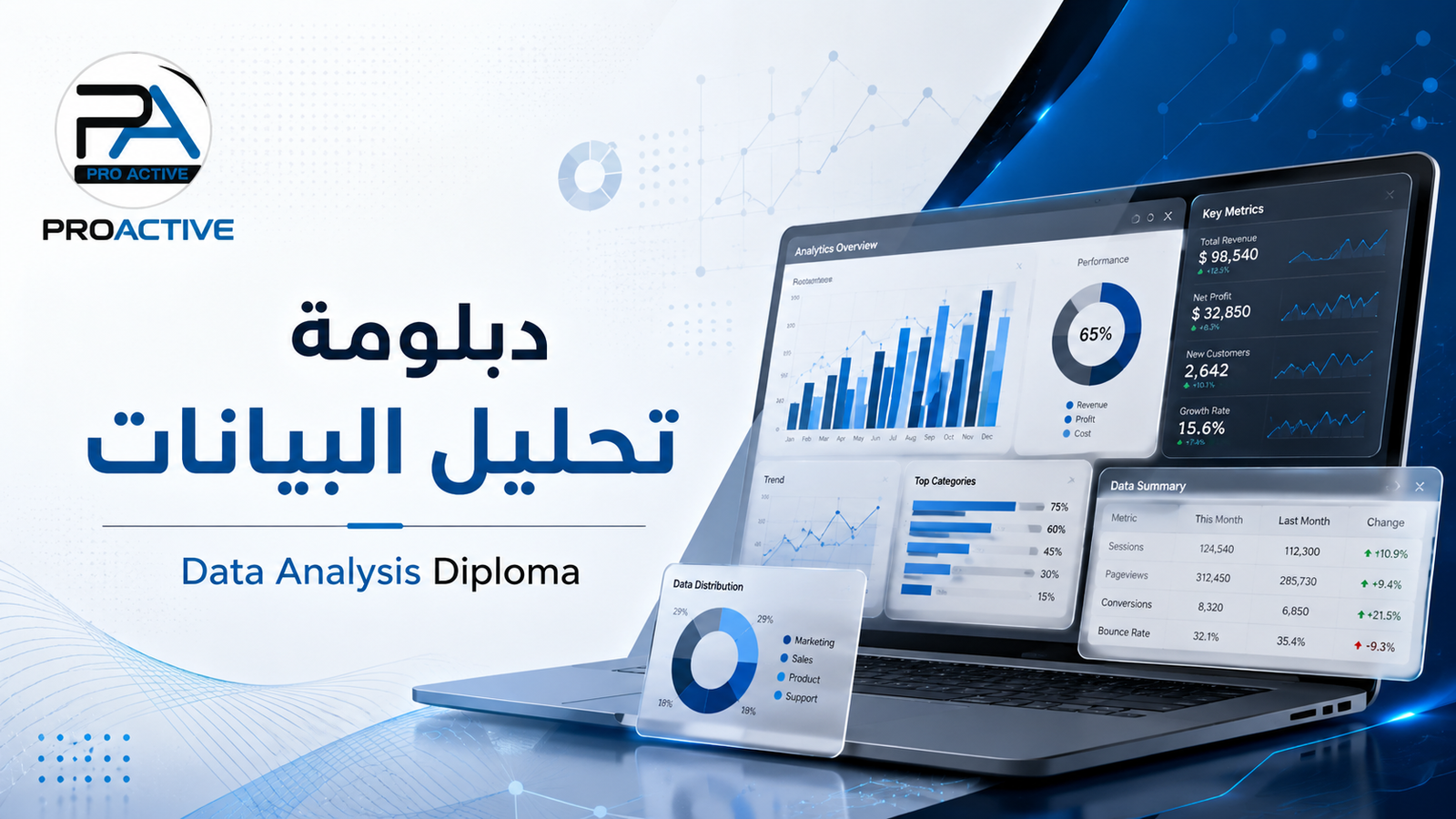
In a world where data has become an essential part of every decision inside organizations, data analysis is no longer a luxury or an additional skill. It has become one of the most important skills required in today’s job market. Companies now need professionals who can understand numbers, organize data, analyze results, and build reports and dashboards that help management make accurate and timely decisions.
Based on this need, Proactive Training & Consulting offers the Data Analysis Diploma, a practical training program designed to help participants gain essential and applied skills in data analysis using powerful tools that are highly demanded in the job market, such as Excel and Power BI.
Data analysis helps organizations understand reality more clearly. Through data analysis, companies can track sales performance, monitor costs, analyze customer behavior, evaluate marketing campaign results, measure key performance indicators, and identify problems before they become major challenges.
That is why data analysis skills are now required across many fields, including accounting, human resources, marketing, sales, banking, telecommunications, supply chain, project management, and business analysis.
This diploma is suitable for a wide range of learners, including:
Fresh graduates who want to enter an in-demand career field.
Accountants and administrators who need to analyze numbers and reports.
HR, sales, and marketing professionals.
Business Analysts.
Employees in banking, telecommunications, and supply chain.
Operations team members.
Anyone who wants to improve their skills in Excel, Power BI, and data analysis.
The diploma focuses on practical application. Participants will not only understand the concepts, but they will also apply them through real files, exercises, and training projects.
Participants begin by developing their Excel skills for data analysis, as Excel is still one of the most widely used tools inside organizations.
This section includes:
Organizing data in tables.
Cleaning and preparing data for analysis.
Using important formulas for analysis.
Creating basic reports.
Working with Pivot Tables.
Analyzing data and extracting useful indicators.
Power Query is one of the most important tools used for preparing and cleaning data before analysis.
Participants will learn how to:
Import data from different sources.
Clean data and remove errors and duplicates.
Combine data from multiple files or tables.
Transform data into a suitable format for analysis.
Build repeatable data-cleaning steps easily.
Power BI is one of the most powerful tools for data analysis and interactive dashboard creation.
This section includes:
Understanding the Power BI interface.
Importing and connecting data.
Creating interactive reports.
Designing professional dashboards.
Using suitable charts and visuals.
Presenting results clearly to support decision-making.
Data analysis is not only about charts and visuals. It also requires building a proper data model.
Participants will learn:
The concept of Data Modeling.
Relationships between tables.
Designing an organized data model.
The difference between fact tables and dimension tables.
How to prepare the model for reporting and analysis.
DAX is an important skill inside Power BI because it helps create more accurate calculations and insights.
This section includes:
DAX fundamentals.
Creating Measures.
Calculating key indicators.
Using important DAX functions.
Building calculations that support clear performance analysis.
The final goal of data analysis is to present results in a clear and professional way.
Participants will learn how to:
Design clear and organized dashboards.
Choose the right visuals.
Present KPIs professionally.
Build reports that support management follow-up.
Turn data into a clear and understandable story.
Presenting data correctly is just as important as analyzing it.
This section includes:
Data visualization principles.
Choosing the right chart based on the type of data.
Avoiding common mistakes in report design.
Improving the appearance of reports and dashboards.
Making results easy to read and understand.
This section focuses on using data to prepare reports that serve real business needs.
Participants will learn how to:
Prepare professional performance reports.
Analyze business indicators.
Link numbers to management decisions.
Present clear results to management or work teams.
Build reports that can be used in real business environments.
What makes this diploma special is its focus on practical application rather than theoretical explanation only. Participants will work on real files and practical exercises that help them understand the full data analysis cycle from start to finish: preparing and cleaning data, building the model, designing reports and dashboards, and interpreting the results.
Yes, the diploma helps participants build a strong practical foundation for the Microsoft Power BI Data Analyst – PL-300 path, especially in the areas of Power BI, Power Query, Data Modeling, DAX, and Dashboards.
However, it is important to note that passing the Microsoft exam requires reviewing the official exam guide and practicing exam-style questions before booking the exam.
By the end of the diploma, participants will be able to:
Clean and prepare data for analysis.
Use Excel for data analysis.
Use Power Query to organize and transform data.
Build interactive reports using Power BI.
Design professional dashboards.
Use DAX basics.
Build an organized data model.
Analyze data to extract indicators that support decision-making.
Prepare business reports suitable for corporate environments.
For more details and registration, you can contact us via WhatsApp:
To learn more about the Data Analysis Diploma and Proactive training programs, you can visit our official website:
The Data Analysis Diploma is not just a course in Excel or Power BI. It is a practical program that helps participants understand the complete data analysis cycle, from preparing data to building reports and dashboards and extracting insights that support decision-making.
If you want to enter the field of data analysis or develop your current skills to become more ready for the job market, this diploma is a practical and suitable step to start.
.jpeg)
.jpeg)
.jpeg)







Subscribe to get the new updates in your inbox!
Proactive Training & Consulting
© Copyrights Reserved . By Grander-Codes

